
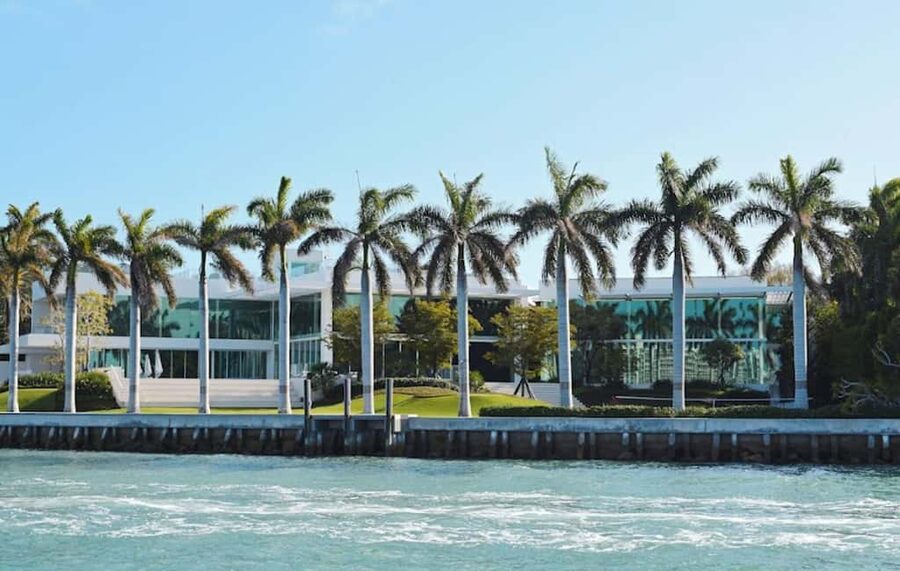
Miami begins at the water.
See the skyline from Biscayne Bay, read the pastel geometry of South Beach, and leave a day for the Everglades. Clear reviews show what each ticket includes, how long it takes, and which Miami day it suits.
The ones that sell out first.
A first Miami stay needs the city from several angles: Biscayne Bay from the water, South Beach on foot, Little Havana through its food, and the Everglades beyond the skyline.
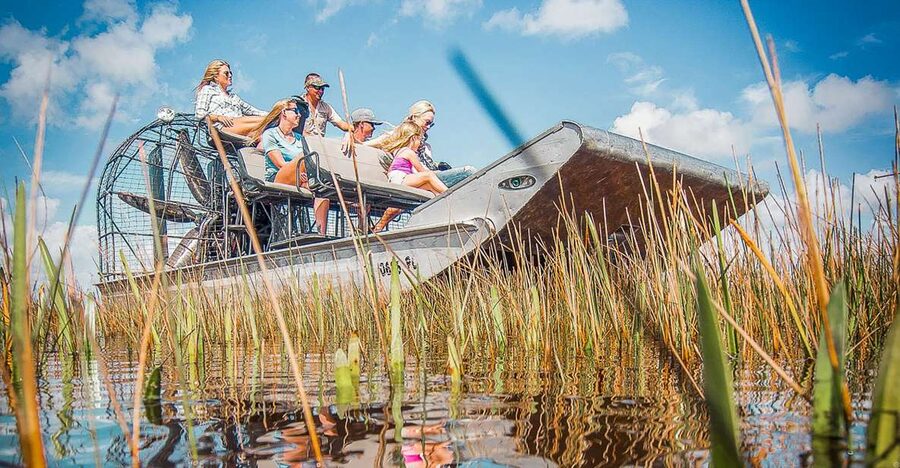
Everglades National Park Airboat Tour & Wildlife Show
Miami Everglades airboat tour with narrated spotting, wildlife and alligator show at Gator Park, plus optional gator photos and food.
From $42 per person
Read the review → ★ 4.1Books out fastHop-on Hop-off Open-top Bus Tour and Optional CruiseFrom $453,077 reviews
 ★ 4.5Crowd favouriteSpeedboat Sightseeing Adventure of MiamiFrom $453,025 reviews
 ★ 5.0Small-group2 hrs Miami Private Boat Tour with Cooler, Ice, Bluetooth StereoFrom $652,968 reviews
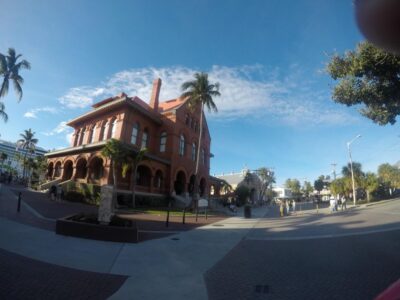 ★ 4.3Sea dayFrom Miami: Key West Day Trip with Pickup at Selected HotelsFrom $392,918 reviews
 ★ 3.5Easy winCity Half Day Tour of Miami by Bus with Sightseeing CruiseFrom $342,747 reviews
 ★ 3.5Local favouriteMiami Skyline Boat Cruise Past Millionaire’s Homes Optional StopFrom $122,718 reviews
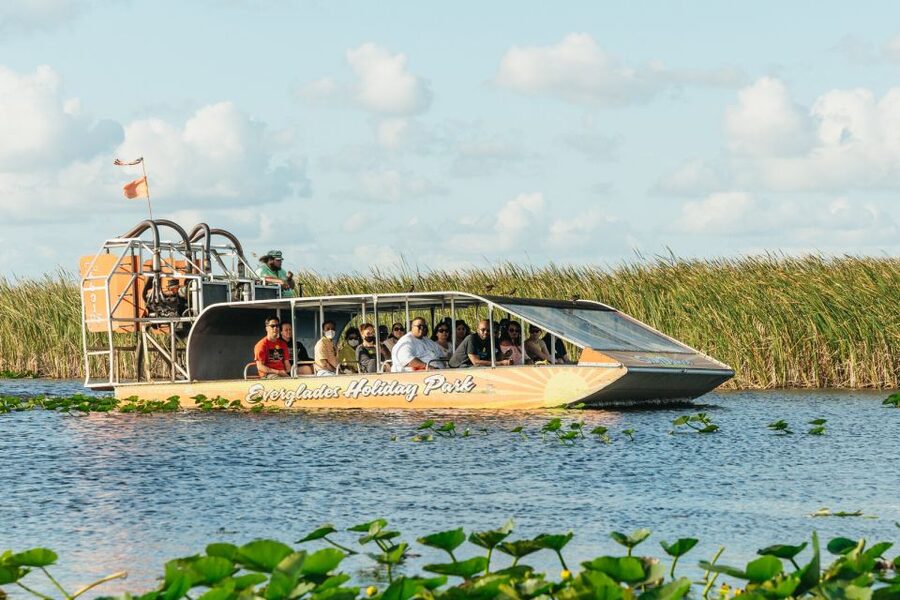
The Everglades deserve their own day.
Airboats reach the sawgrass and wildlife that make South Florida unlike anywhere else. Compare pickup points, time in the park, wildlife stops and group size before choosing—an “Everglades tour” can mean anything from a quick ride to a full wetland day.
How do you want to meet the water?
Miami’s water experiences share the same blue horizon but offer very different days. Choose between an easy bay overview, a private charter, or something active at water level.
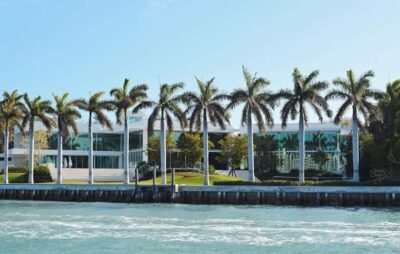 The essential view
The Biscayne Bay cruise
1h 30m · from $20 · 7,348 reviews
A skyline loop puts downtown, the port, island homes and open bay into one easy outing. Compare route, shade, live commentary and whether the boat leaves from Bayside or Miami Beach.
See Biscayne Bay cruises →
Your own pace
The private boat
2 hours (approx.) · from $65 · 2,968 reviews
A private charter trades a fixed circuit for flexible swim stops, sandbars and sunset timing. Check the captain, fuel, gratuity and pickup terms before comparing the headline price.
See private tours →
The essential view
The Biscayne Bay cruise
1h 30m · from $20 · 7,348 reviews
A skyline loop puts downtown, the port, island homes and open bay into one easy outing. Compare route, shade, live commentary and whether the boat leaves from Bayside or Miami Beach.
See Biscayne Bay cruises →
Your own pace
The private boat
2 hours (approx.) · from $65 · 2,968 reviews
A private charter trades a fixed circuit for flexible swim stops, sandbars and sunset timing. Check the captain, fuel, gratuity and pickup terms before comparing the headline price.
See private tours →
 Get in the water
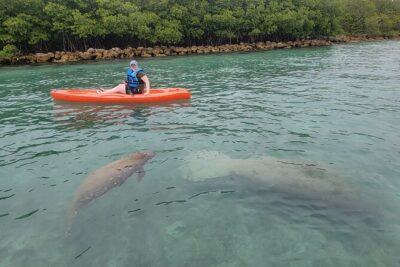
The active option
2h 30m · from $99 · 1,289 reviews
Kayaks, paddleboards and fast water sports put the bay around you instead of beyond the rail. Match the activity to your confidence, weather window and the time you want on the water.
See water adventures →
Get in the water
The active option
2h 30m · from $99 · 1,289 reviews
Kayaks, paddleboards and fast water sports put the bay around you instead of beyond the rail. Match the activity to your confidence, weather window and the time you want on the water.
See water adventures →
The city changes after dark.
Sunset draws a bright line across Biscayne Bay, South Beach turns neon, and Miami’s music rooms and late kitchens come alive. Start on the water, then choose a guided nightlife route or a neighbourhood evening.
Taste the neighbourhood, not a checklist.
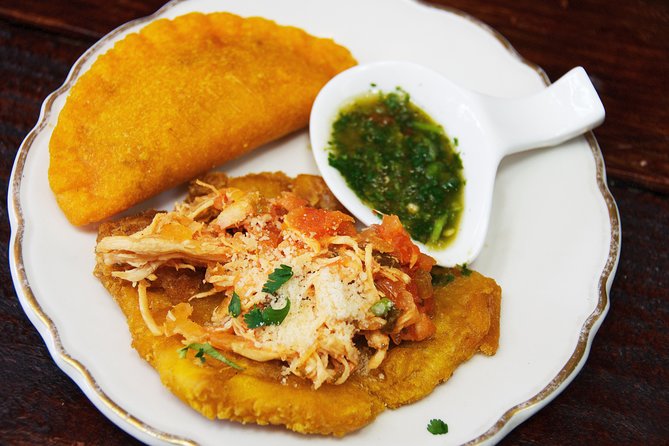
Cuban sandwiches and cafecito in Little Havana, Caribbean kitchens, seafood and the city’s newer dining rooms all tell different Miami stories. The best food tours make the people and places as important as the tastings.



Ride the coast or get onto the bay.
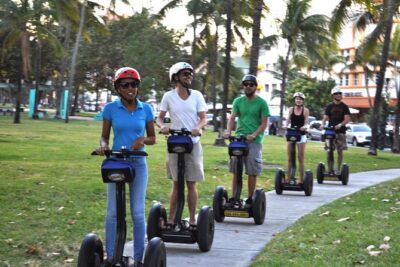
Cycle Ocean Drive before the heat builds, glide through a neighbourhood by Segway, or trade pavement for a kayak or paddleboard. These active tours cover more while keeping Miami’s open air in the foreground.
Read South Beach beyond the postcard.
Ocean Drive is the headline, but the best routes connect Art Deco details, social history, beach culture and the quieter blocks beyond the busiest strip. Go early for softer light or in the evening when the neon takes over.
Choose a side of Miami.
South Beach brings the ocean and Art Deco, Little Havana carries Cuban Miami, Wynwood turns walls into galleries, and Biscayne Bay opens the city toward the water.




What kind of day is it?
Twelve ways to spend a Miami day, grouped by what you actually feel like doing. Pick the one that fits and start there.


See what lies beyond the causeways.
Key West offers a long, scenic run through the islands, Fort Lauderdale adds canals and waterfront neighbourhoods, and the Everglades replace the skyline with sawgrass and open sky.
Three Miami days, coast to wetlands.
Three days finds the city’s rhythm without turning it into a checklist: South Beach first, Little Havana and Wynwood next, then the Everglades or the Keys.
 Day 1
Art Deco, South Beach and the bay
Walk Ocean Drive before the heat builds, leave time for the sand, then take a Biscayne Bay cruise as the light softens and the skyline comes into view.
Plan day one →
Day 1
Art Deco, South Beach and the bay
Walk Ocean Drive before the heat builds, leave time for the sand, then take a Biscayne Bay cruise as the light softens and the skyline comes into view.
Plan day one →
 Day 2
Little Havana, Wynwood and sunset
Start with Cuban food and local stories around Calle Ocho, move north for Wynwood’s murals, then return to the bay for the last light.
Plan day two →
Day 3
The Everglades or the Keys
Choose sawgrass, wildlife and an airboat closer to Miami, or commit to the longer road across the islands toward Key West. Either one needs a full-day mindset.
Plan day three →
Day 2
Little Havana, Wynwood and sunset
Start with Cuban food and local stories around Calle Ocho, move north for Wynwood’s murals, then return to the bay for the last light.
Plan day two →
Day 3
The Everglades or the Keys
Choose sawgrass, wildlife and an airboat closer to Miami, or commit to the longer road across the islands toward Key West. Either one needs a full-day mindset.
Plan day three →
Latest from Miami.
 ★ 5.0HIDDEN WORLD OF MIAMI DESIGN DISTRICTFrom $503 reviews
 ★ 5.0Palm Beach Tour from Miami – Flagler’s Museum + Hotel BreakersFrom $4903 reviews
 ★ 5.03 hour private Kiteboarding Lesson in MiamiFrom $5403 reviews
 ★ 4.5Miami Beaches Self-Guided Driving Audio TourFrom $143 reviews
 ★ 4.5Key West Tours from Miami: Dolphin Discovery, Snorkeling & More !From $603 reviews
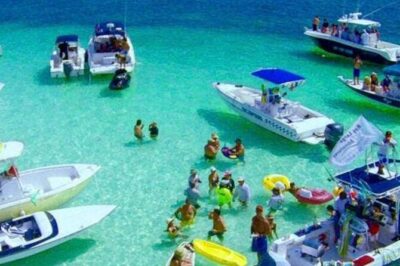 ★ 3.0Snorkeling Adventure in Miami for Beginners Private YachtFrom $2993 reviews
 ★ 5.0Jetcar ExperiencesFrom $3503 reviews
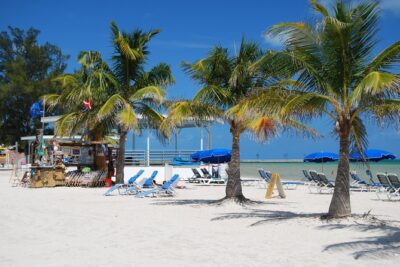 ★ 5.0Small-group private Key West tour with expert guideFrom $9773 reviews